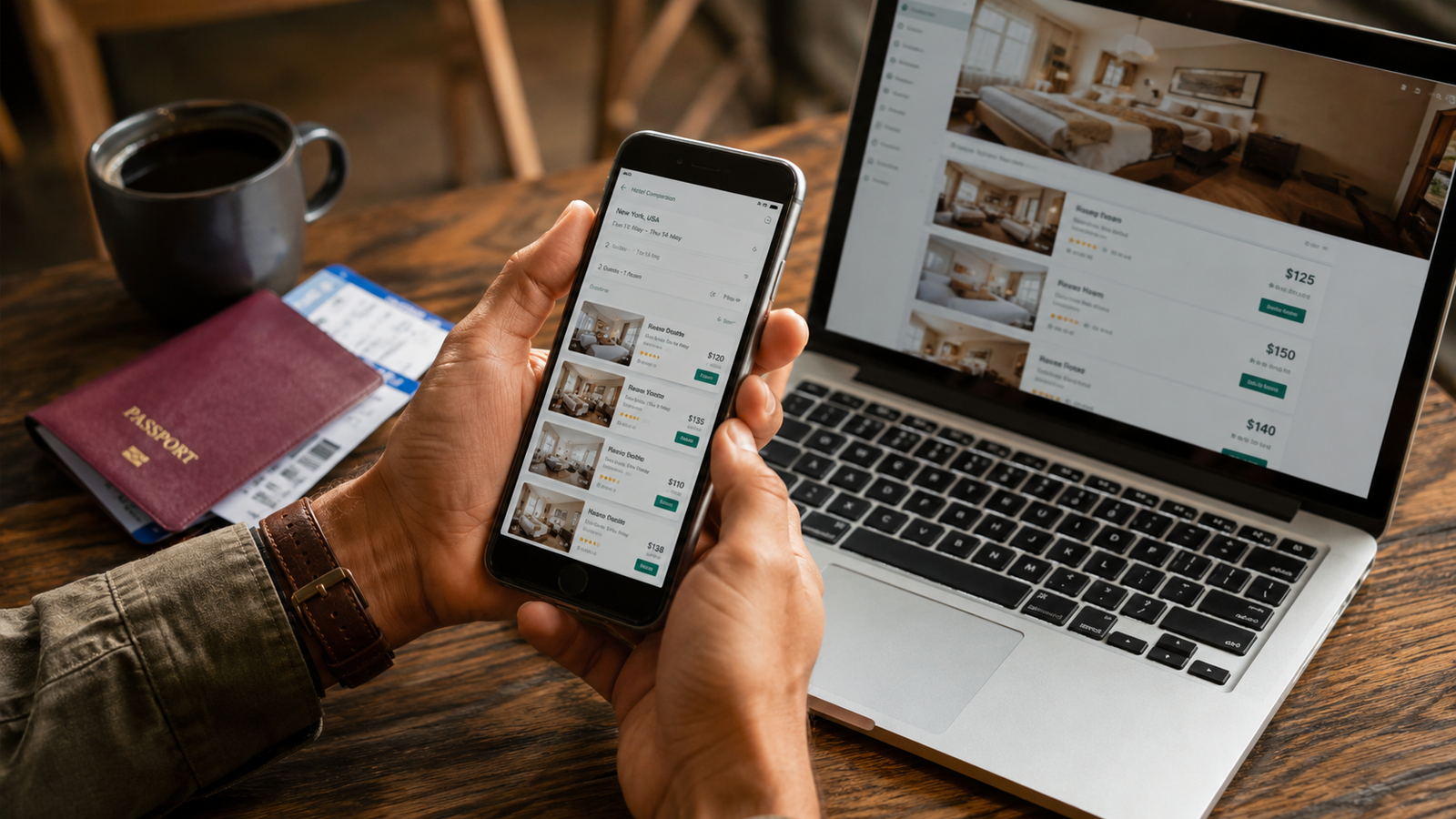

Short answer: they do different jobs. Booking.com is a store: you book and pay there. Trivago is a comparison tool: it shows you prices from other sites and sends you elsewhere to book. Most travelers get the best result using Booking.com (or a guide) to shortlist a hotel, then checking that exact hotel on Trivago before paying.
What Trivago is
Trivago describes itself as a metasearch engine. It collects prices and offers from many booking sites, including online travel agencies, hotel chains, and independent hotels, and displays them for the same property. When you click an offer, Trivago transfers you to the booking site behind that offer, and the booking and payment happen there, not on Trivago.
Two facts worth knowing:
- Trivago earns money per click. Its help center says booking sites pay Trivago a fee when a user clicks their deal. That’s how the tool is free to you, and it’s a reason to always confirm the final total on the booking page before paying.
- Trivago is majority-owned by Expedia. Trivago’s own help center states that Expedia owns the majority of its shares, and Expedia Group’s annual report describes Trivago as a separately listed company on Nasdaq. Trivago still shows prices from Expedia’s competitors, but readers should know the ownership.
Because the booking is made on another site, questions about a reservation go to that booking site, not to Trivago.
What Booking.com is
Booking.com is an online travel agency. You search, book, and pay on Booking.com itself, and it sells stays, rental cars, flights, taxis, and attractions. You see Booking.com’s price for a property, not a side-by-side comparison of other sellers.
How the Genius discount works
Genius is Booking.com’s free loyalty program. According to Booking.com:
- Level 1: unlocked as soon as you create a free account. It gives 10% off select stays and rental cars.
- Level 2: unlocked after five bookings within two years.
- Level 3: unlocked after 15 bookings within two years. Discounts at this level reach up to 20%.
- All stays, flights, rental cars, taxis, and attractions booked through Booking.com count toward your progress.
Details that are easy to miss:
- Only properties showing the Genius logo take part. Booking.com’s business help pages say the discount applies to eligible properties marked that way.
- The discount applies to the price before taxes and fees, so the saving on your final total is a little smaller than the headline percentage.
- Levels are kept once earned, according to Booking.com’s help pages.
A real-world sample: when The Points Guy tested a search for hotels in Westminster, London, only 14 of 36 properties offered a Genius discount, and those 14 cost roughly 10% more when logged out. That’s one search by one writer, so treat it as an illustration, not a rule. It does show why signing in before you search matters.
Side by side
| Trivago | Booking.com | |
|---|---|---|
| What it is | Metasearch (price comparison) | Online travel agency |
| Where you pay | On the booking site you choose | On Booking.com |
| What you see | Offers from several sellers for one hotel | Booking.com’s own price |
| Loyalty program | None | Genius (three levels, up to 20% at Level 3) |
| Who handles your reservation | The booking site, not Trivago | Booking.com |
| How it earns money | Fees from booking sites when you click | Commission from properties |
When to use which
Use Booking.com when you’re still choosing where to stay, when you want one account for your bookings, or when you book often enough to benefit from Genius. Sign in before searching so Genius prices show.
Use Trivago when you’ve picked a hotel and want to see whether any seller, including the hotel’s own site, is offering that room for less.
A simple routine:
- Shortlist hotels on Booking.com or from a destination guide.
- Search the one you want on Trivago for the same dates.
- Open the cheapest offers and compare the final total, including taxes, fees, and cancellation terms, before paying.
- If the totals match, booking on Booking.com keeps your Genius progress.
What neither tool tells you
- Prices can change between the comparison page and checkout. Confirm the final total on the booking page.
- Cancellation rules differ by rate, not by site. Read them before paying (see our guide to hotel cancellation policies).
How we researched this
This article is based on the following sources, checked on September 28, 2026. We did not run our own price tests for this piece.
- Trivago Help Center: “How trivago Works,” “What is the difference between trivago and a booking site?” and “More about trivago as a company” (support.trivago.com)
- Booking.com: Genius loyalty program page (booking.com/genius.html)
- Booking.com for Business: “The Genius loyalty program and Booking.com for Business” (help.business.booking.com)
- Expedia Group Form 10-K for fiscal year 2025 (sec.gov)
- The Points Guy: Booking.com Genius loyalty programme review (thepointsguy.com)
Loyalty terms change. If you spot something out of date, tell us and we’ll update this page.