If you’ve ever searched for a hotel and landed on both Trivago and Booking.com in the same session, you’ve probably wondered why the prices don’t always match — or why one shows you ten booking options for the same room and the other shows you one “Book Now” button. That’s because they’re not actually the same kind of tool, even though they look similar on the surface.
Here’s the real difference, and how to use each one to actually get the better deal.
What Trivago Actually Does
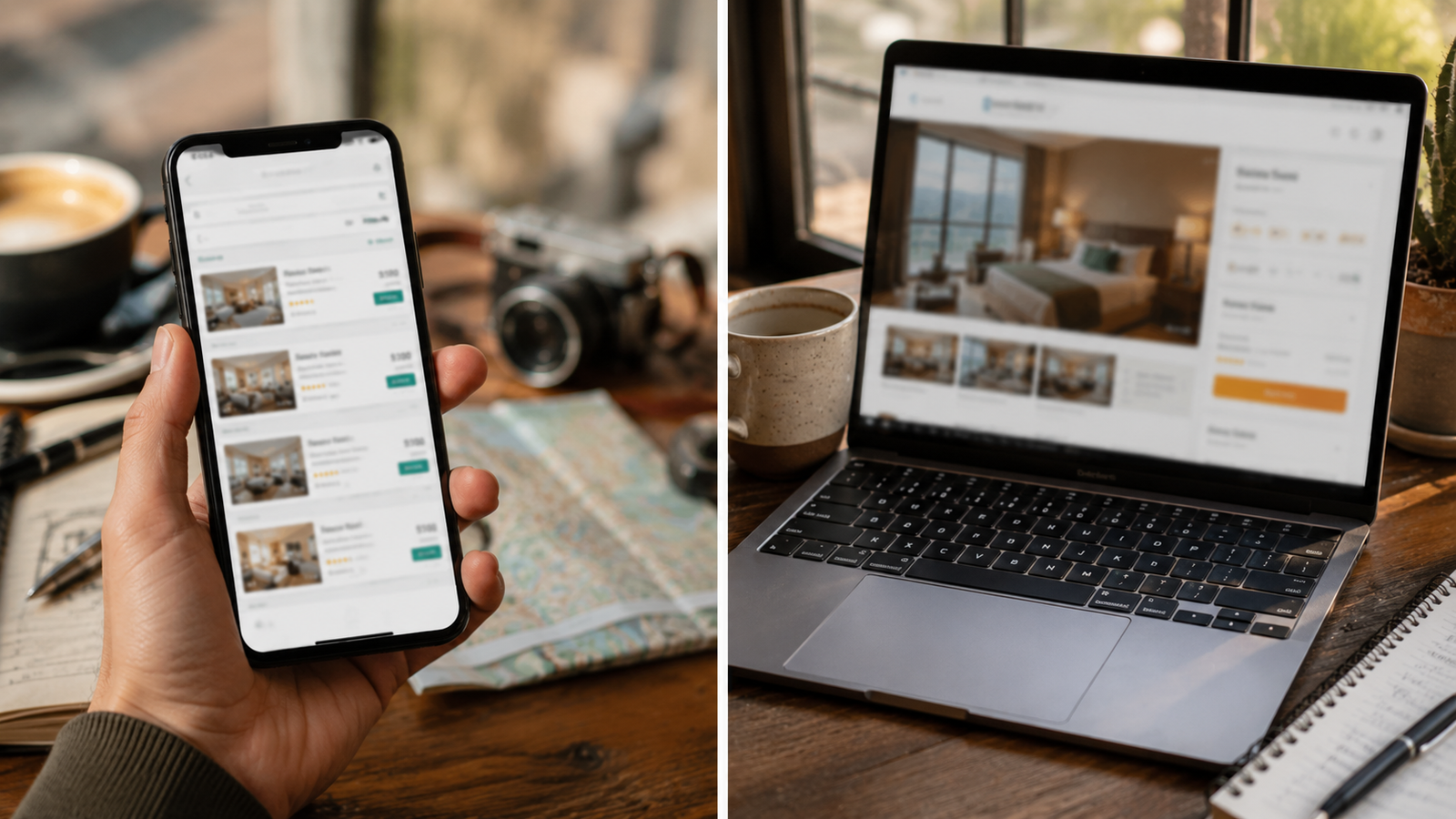
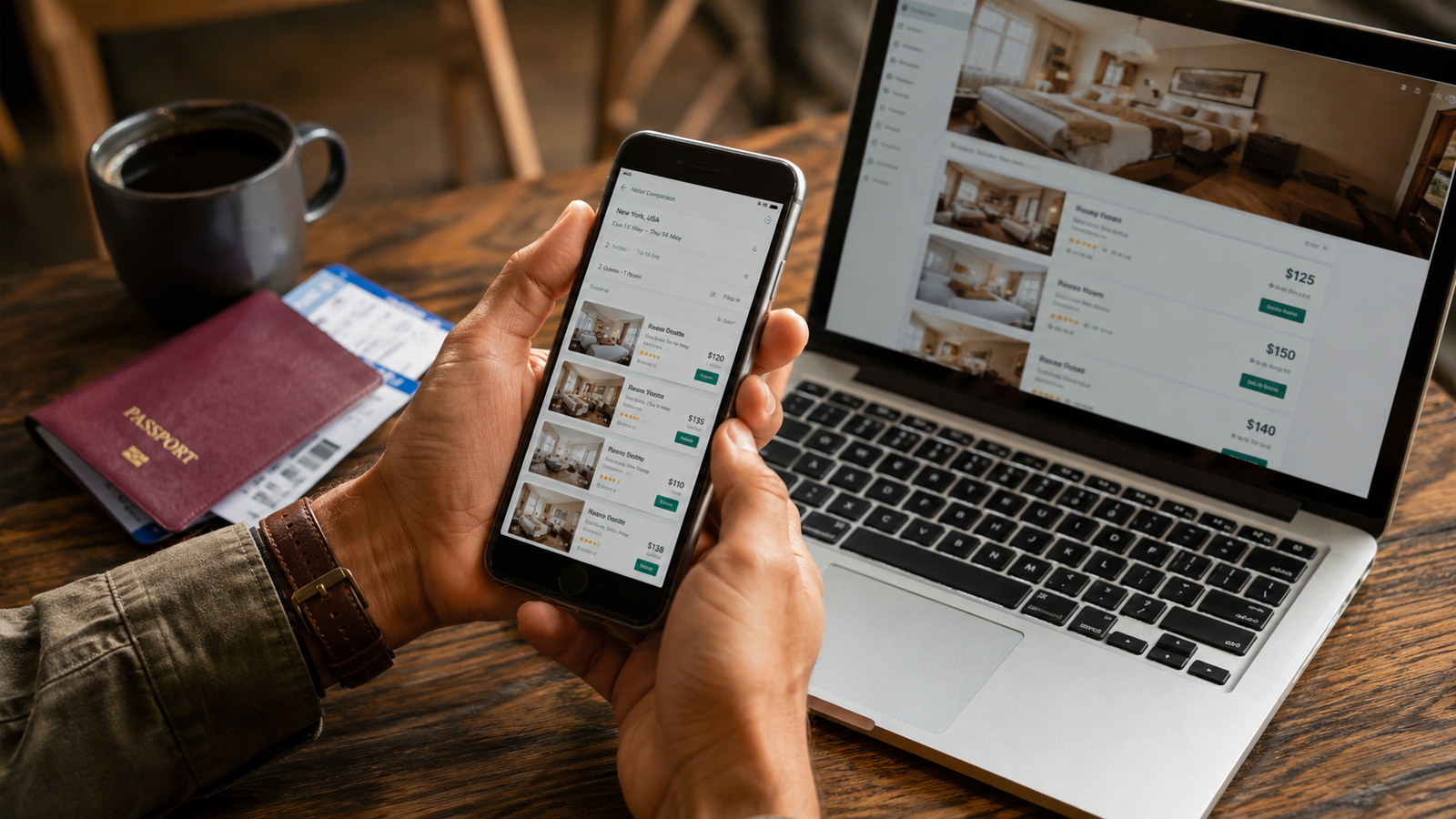
Trivago is a metasearch engine, not a booking site. It doesn’t sell rooms itself — it scans prices for the same hotel room across dozens of other sites (Booking.com, Expedia, Hotels.com, and the hotel’s own website among them) and shows you all of them side by side. When you click through, you leave Trivago and complete the booking on whichever site had the price you picked.
Think of it less like a travel agent and more like a price-comparison tool for flights, but for hotel rooms.
Where Trivago tends to win:
- Seeing the full spread of prices for one specific hotel in a single view
- Catching last-minute price drops on well-known booking sites
- Comparing the same room type across multiple sellers without opening ten tabs
Where it falls short:
- It won’t show every hotel in a city — only ones listed with its partner sites
- Filters (breakfast included, free cancellation) can be inconsistent across partners, since the actual policy lives with whichever site you eventually book through
- No loyalty points or rewards program of its own, since you’re not booking with Trivago
What Booking.com Actually Does
Booking.com is an online travel agency (OTA). It has direct commercial agreements with hundreds of thousands of properties worldwide, and you book — and often pay — directly through Booking.com itself. It’s a one-stop shop rather than a comparison layer.
Where Booking.com tends to win:
- Broader hotel inventory, including smaller independent properties that may not show up on Trivago at all
- Consistent, clearly stated cancellation policies right on the listing
- A loyalty program (Genius tier) that unlocks ongoing discounts the more you book
- One unified checkout, customer service, and cancellation process if something goes wrong
Where it falls short:
- You’re only seeing Booking.com’s own price — no visibility into whether another site has the same room cheaper
- Occasionally more expensive than booking directly with the hotel, especially for extended stays
Head-to-Head
| Trivago | Booking.com | |
|---|---|---|
| What it is | Metasearch / price comparison | Direct booking site (OTA) |
| Who you book with | Whichever partner site you select | Booking.com directly |
| Price transparency | Shows multiple sellers side by side | Shows only its own price |
| Property coverage | Limited to partner-listed hotels | Very broad, including independents |
| Loyalty program | None | Genius tier discounts |
| Best for | Comparing prices on a specific known hotel | Broad search, easy cancellation, rewards |
When to Use Which
Use Trivago when you already know which hotel you want and just want to make sure you’re not overpaying — it’s the fastest way to check if Booking.com, Expedia, or the hotel itself currently has the better rate on that exact room.
Use Booking.com when you’re still deciding where to stay, want the reassurance of one consistent cancellation policy, or are booking often enough that the Genius discounts add up.
The move a lot of frequent travelers actually make: shortlist a hotel through Booking.com or a guide like this one, then run that specific hotel through Trivago before hitting confirm — just to double-check nothing else is quietly cheaper that day.
The Bottom Line
Neither tool is objectively “better” — they solve different problems. Booking.com is where you find and book a hotel. Trivago is where you double-check the price once you know which hotel you want. Using them together, in that order, is generally how you end up paying the least.